


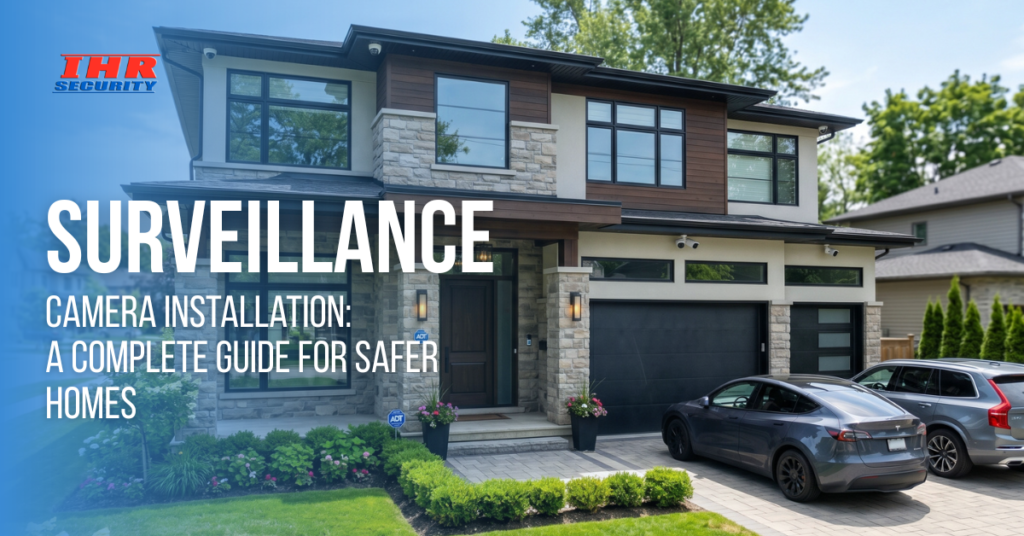
Home security is no longer a luxury; it’s a necessity. With increasing concerns about safety, more homeowners are investing in surveillance camera installation to protect their property and loved ones. However, choosing the right cameras and installing them correctly can feel confusing without proper guidance.
The good news is that setting up a reliable system doesn’t have to be complicated. Whether you’re considering basic monitoring or a fully integrated smart system, understanding the process can help you make confident decisions and avoid costly mistakes.
| Surveillance camera installation is the process of setting up cameras around a property to monitor, record, and protect against security threats. It involves selecting suitable cameras, placing them strategically, connecting them to power and storage systems, and enabling remote access for real-time monitoring and alerts. |
Why Surveillance Camera Installation Matters for Modern Homes
Modern homes rely on more than just locks and alarms. A well-installed surveillance system adds an extra layer of protection by actively monitoring your property. It not only deters crime but also provides valuable insights and control over your home environment.
Protect Your Property 24/7
A properly installed system ensures your home is monitored at all times, even when you’re away. Visible cameras act as a strong deterrent and reduce the chances of break-ins.
- Deters burglars before they act
- Records evidence in case of incidents
- Covers vulnerable areas like entrances and driveways
Remote Monitoring Anytime
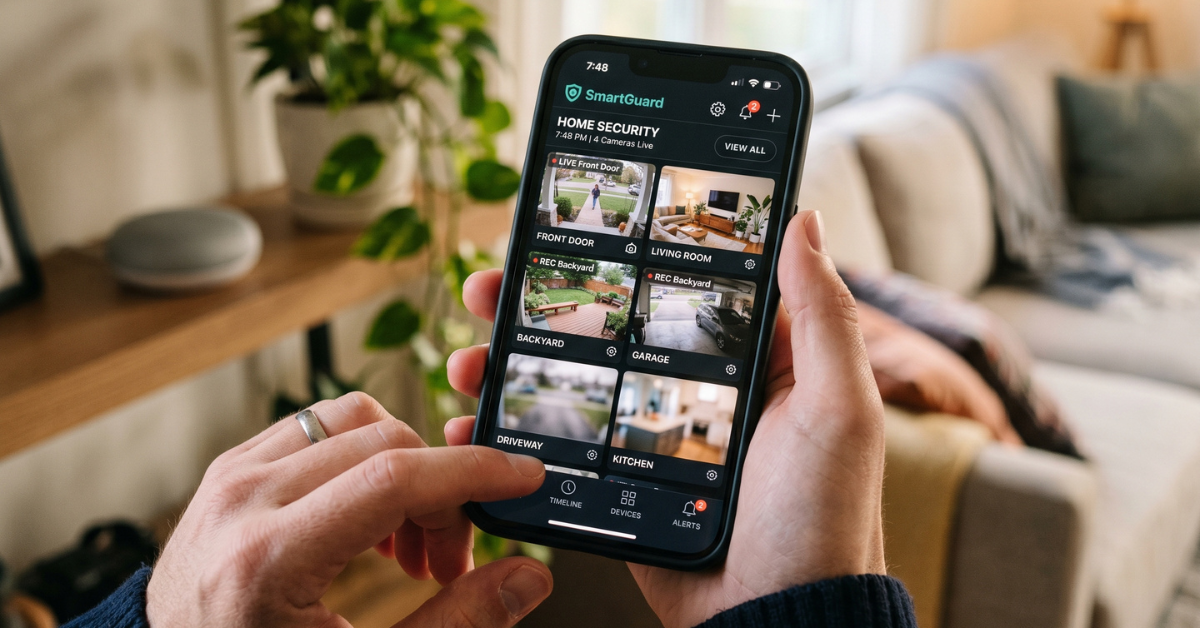
With today’s technology, you can access your cameras from anywhere using your smartphone. This is a major advantage of combining cameras with smart home installation.
- Live video access from mobile apps
- Instant motion alerts and notifications
- Control and monitor multiple cameras remotely
Insurance & Legal Benefits
Security footage can be extremely helpful during disputes or insurance claims. It provides clear and reliable evidence when needed.
- Supports insurance claims with proof
- Helps resolve legal disputes quickly
- Provides timeline-based event tracking
Types of Surveillance Cameras You Should Know
Understanding camera types helps you choose the right system for your needs. Each type serves a specific purpose depending on your home layout and security goals.
Wired vs Wireless Security Cameras
Choosing between wired and wireless depends on your setup and flexibility needs. Many homeowners now prefer wireless security cameras for the home due to easy installation.
| Feature | Wired Cameras | Wireless Cameras |
| Installation | Complex | Easy |
| Reliability | Very stable | Depends on Wi-Fi |
| Flexibility | Limited | Highly flexible |
- Wired systems are best for long-term setups
- Best wireless security cameras offer convenience and scalability
Indoor vs Outdoor Cameras
Different environments require different types of cameras. Indoor and outdoor systems serve unique roles in home security.
- Indoor cameras monitor living spaces
- Outdoor motion-sensor cameras track external activity
Outdoor cameras typically include:
- Weather resistance
- Night vision
- Motion detection
Smart & AI-Enabled Cameras
Smart cameras use advanced technology to improve accuracy and reduce false alarms. These systems are ideal for modern smart homes.
- Detect humans, pets, and vehicles
- Reduce unnecessary alerts
- Integrate with voice assistants and apps
Step-by-Step Surveillance Camera Installation Process
Installing a surveillance system requires proper planning and execution. Following a structured process ensures maximum coverage and performance.
1. Plan Your Camera Locations
Start by identifying the most important areas to monitor. Proper planning helps eliminate blind spots and improves overall coverage.
- Entry points (doors, windows)
- Driveways and garages
- Hidden or low-visibility areas
2. Choose the Right Equipment
Selecting the right equipment is crucial for performance and durability. Focus on features that match your specific needs.
- Resolution (1080p or higher)
- Storage (cloud or local DVR)
- Connectivity (Wi-Fi or wired)
3. Install and Mount Cameras
Proper mounting ensures clear footage and prevents tampering. Positioning plays a key role in capturing useful video.
- Install at 8–10 feet height
- Avoid direct sunlight exposure
- Keep away from obstructions
4. Connect and Configure
Once installed, the system must be properly configured for smooth operation. This step completes your security camera installation setup.
- Connect to power and network
- Sync with mobile applications
- Set motion detection zones and alerts
Best Placement Tips for Maximum Security
Even the best cameras won’t perform well without proper placement. Strategic positioning ensures you capture the right angles and details.
Cover Entry Points
Entry points are the most critical areas to monitor. Focusing on these reduces the chances of unnoticed intrusion.
- Front and back doors
- Windows on ground level
- Garage entrances
Avoid Privacy Violations
It’s important to respect privacy laws while installing cameras. Incorrect placement can lead to legal issues.
- Avoid pointing cameras at neighbors
- Do not monitor private indoor areas
- Follow local surveillance regulations
Ensure Proper Lighting
Lighting plays a huge role in video clarity. Poor lighting can reduce the effectiveness of your cameras.
- Use motion lights for outdoor areas
- Choose cameras with night vision
- Avoid glare or backlighting

Common Mistakes to Avoid
Many homeowners make simple mistakes that reduce the effectiveness of their system. Avoiding these can save time, money, and frustration.
Poor Camera Placement
Incorrect angles or heights can result in useless footage. Always test camera views before final installation.
- Avoid placing cameras too high
- Ensure faces can be captured clearly
- Check blind spots
Ignoring Network Security
A weak network can make your system vulnerable to hacking. Security should go beyond just physical protection.
- Use strong passwords
- Enable encryption
- Regularly update firmware
Skipping Maintenance
Like any system, cameras require upkeep to function properly. Regular maintenance ensures long-term reliability.
- Clean camera lenses regularly
- Check system updates
- Inspect wiring and connections
DIY vs Professional Residential CCTV Installation
Choosing between DIY and professional installation depends on your needs, budget, and technical comfort level. Each option has its pros and limitations.
DIY Installation
DIY setups are suitable for smaller homes or basic systems. They are easy to install and cost-effective.
- Lower upfront cost
- Quick installation
- Ideal for simple setups
Professional Installation
Professional services are best for complex systems or larger properties. Experts ensure everything is optimized correctly.
- Accurate camera placement
- Seamless system integration
- Ideal for advanced setups
If you want a hassle-free experience, professional residential CCTV installation ensures maximum performance and reliability.
Cost of Surveillance Camera Installation
Understanding the cost helps you plan your investment better. Prices vary depending on system complexity and installation type.
Key Cost Factors
Several elements influence the total cost of installation.
- Number of cameras
- Type of system (wired/wireless)
- Storage options
- Installation method
Average Cost Range
| Installation Type | Cost Range |
| DIY Setup | $150 – $600 |
| Professional Installation | $500 – $2,500+ |
Investing in quality equipment ensures durability, better performance, and long-term savings.
Final Thoughts
A well-executed surveillance camera installation is one of the smartest investments you can make for your home. It enhances safety, improves control, and gives you peace of mind. Whether you choose a DIY setup or professional help, the key is proper planning and smart placement. Take the first step today toward a safer, smarter home.
Now is the time to upgrade your home security with expert solutions from Ace Integrated Technologies. Schedule your personalized consultation today.
FAQs
1. How many surveillance cameras do I need for my home?
Most homes require 2–6 cameras, depending on size and layout. Focus on entry points, outdoor areas, and blind spots. Larger homes may need additional coverage for complete security and monitoring.
2. Are wireless security cameras reliable?
Yes, modern wireless cameras are reliable if connected to a stable Wi-Fi network. They offer flexibility, easy installation, and remote access, making them ideal for most homeowners.
3. What is the best height to install security cameras?
The ideal height is between 8 and 10 feet. This prevents tampering while still capturing clear facial details and important activity around your property.
4. Do surveillance cameras work without internet?
Yes, cameras can record locally without internet using a DVR or SD storage. However, internet access is required for remote viewing, alerts, and cloud storage features.
5. Is professional CCTV installation worth it?
Professional installation is worth it for complex setups. It ensures proper placement, wiring, and system configuration, leading to better performance and long-term reliability.