


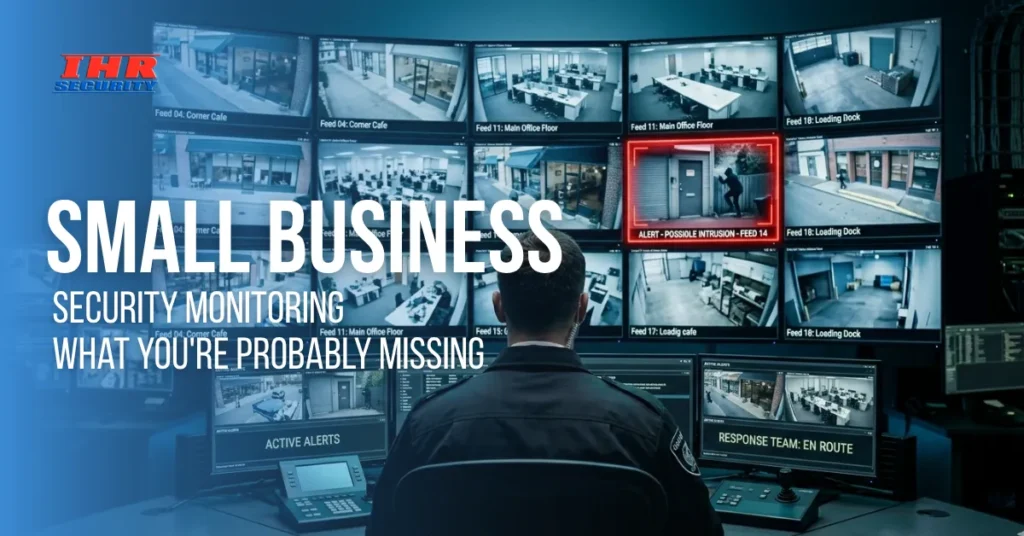
You locked up. Set the alarm. Checked the camera app once. That feels like enough until something goes wrong and you realize your system was recording, but nobody was actually watching. Most small business owners don’t know the difference between having security equipment and having real-time security monitoring. That gap is where most losses happen: break-ins that go undetected for hours, false alarms that no one responds to, and incidents caught on camera only after the damage is done.
This guide breaks down what small business security monitoring truly involves, why basic setups fall short, and how to build commercial security solutions that actually work when it counts.
Why Small Businesses Are Bigger Targets Than You Think
That gap in protection awareness is more dangerous than most owners realize, and criminals know how to spot it from the outside.
Here’s what makes small businesses especially vulnerable:
- Limited after-hours staffing: Most small businesses have no one on-site after close, making evenings and weekends the highest-risk windows for incidents.
- Visible inventory and cash: Retail shops, restaurants, and service businesses often have assets that are easy to identify from outside the building.
- Weak deterrents: Active commercial alarm systems with verified monitoring carry far more weight than passive setups with no human response behind them.
- Delayed incident discovery: Without real-time monitoring, break-ins are usually found the next morning during footage review, not during the event itself.
- Underestimated local risk: Many owners assume their neighborhood is safe enough, leading to under-investment in a proper business security system until something actually happens.
- Outdated, isolated equipment: Older cameras and panels may still power on, but they can’t connect to modern integrated security solutions that communicate and respond in real time.
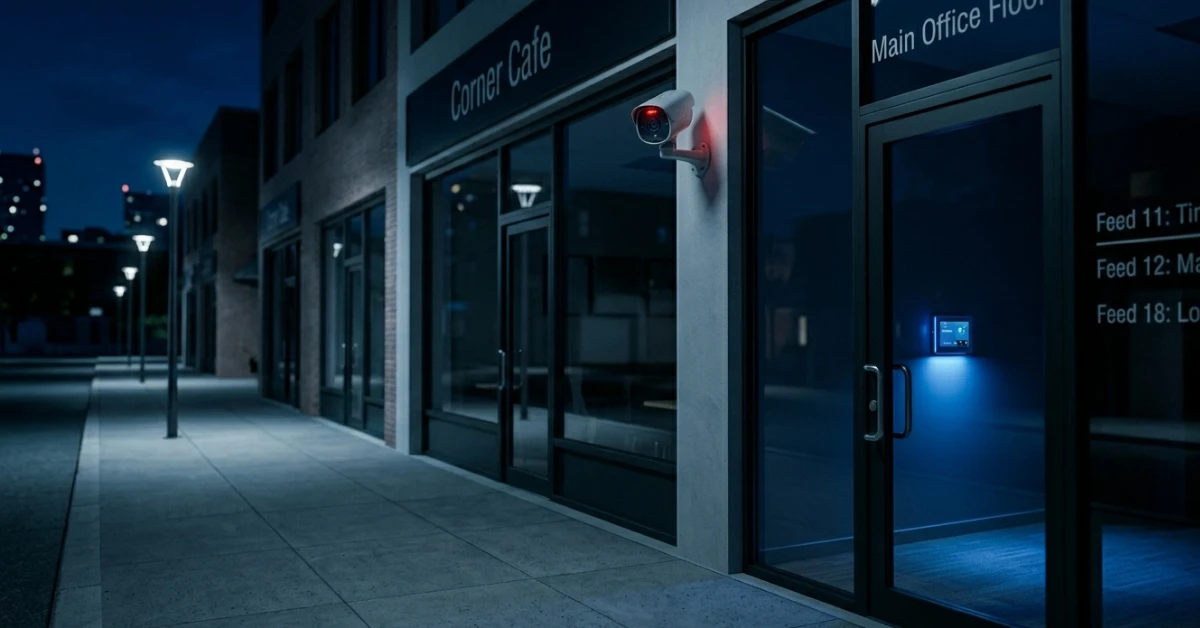
What Small Business Security Monitoring Actually Covers
Understanding why businesses get targeted is step one. Now it’s worth getting specific about what real monitoring actually looks like because it goes well beyond a beeping alarm.
It’s More Than Just an Alarm Going Off
A lot of people picture security monitoring as someone waiting for a trigger to happen. The reality is more layered. Professional small business security monitoring means your system is actively watched around the clock, with cameras, sensors, access points, and alarm zones all feeding into a central station that can verify a threat and dispatch help within minutes. It’s not just reactive. It’s designed to catch warning signs before an incident fully escalates.
24/7 Professional Monitoring vs. Self-Monitoring
Self-monitoring setups push alerts to your phone and rely entirely on you to respond. That works when you’re available, but what about late nights, weekends, or when you’re in back-to-back meetings? Professional monitoring through a commercial security solutions provider means a trained team is watching even when you’re not. They verify alerts, check live footage, and contact emergency services when needed.
How Response Time Changes Real Outcomes
Every minute counts when something is actively happening at your business. Faster response times consistently reduce theft losses, property damage, and liability exposure. When your small business security systems are connected to professional monitoring, the response chain is activated. Detect, verify, and dispatch happen in minutes.
The Real Problem With Outdated Alarm Systems
Now that you know what strong monitoring looks like, it’s worth understanding what holds most businesses back, and it usually comes down to the equipment they’re still relying on. A lot of businesses are running alarm systems installed years ago. The hardware still powers on, and the siren still triggers, so it feels like protection is in place. But older commercial alarm systems often weren’t designed to connect with modern monitoring platforms, smart devices, or remote access tools.
The bigger issue is data. Modern business security systems generate motion logs, entry records, and camera timestamps that help you spot patterns before they become problems. An outdated alarm only reacts to what has already happened. It can’t show you what’s quietly building up over time.
How Commercial Alarm Systems Work in Practice
With the limits of older setups clear, it helps to understand how current commercial alarm systems are designed to function and why the daily difference matters more than most owners expect.
What Gets Monitored Beyond the Front Door
Most business owners focus on entry points, the main door, and maybe a back exit. But a well-built commercial alarm system covers much more than that. Motion sensors in storage rooms, glass break detectors in retail spaces, fire and environmental sensors, and interior zones for after-hours movement all feed into one coordinated picture. Every blind spot is a potential vulnerability, and modern systems are built with that in mind.
How Alerts Get Verified Before Dispatch
False alarms are a real concern and a legitimate one. They waste emergency resources and trigger permit penalties in many cities. Modern commercial security solutions address this through a verification step built into the response process. When an alert fires, the monitoring center checks live footage to confirm whether a real threat is present. If it is, they dispatch immediately. If it’s a false trigger, a delivery driver, or an employee working late, no dispatch is needed.
Scalability for Businesses That Are Growing
A business security system that fits a 1,000-square-foot shop today may not cover a 5,000-square-foot operation two years from now. Modern commercial alarm systems are built to grow with you. Sensors, cameras, and access control points can be added as your footprint expands without replacing the entire infrastructure. For businesses managing multiple locations, this matters even more because everything can run under one monitoring platform rather than being juggled across separate vendors and apps.
What a Complete Business Security System Should Include
Knowing how the components work individually leads to a practical question: what does a well-built, complete business security system actually look like in one place? Here’s the non-negotiable checklist.
- HD surveillance cameras: Indoor and outdoor, with night vision and wide-angle coverage for every critical zone, not just the entrance or lobby.
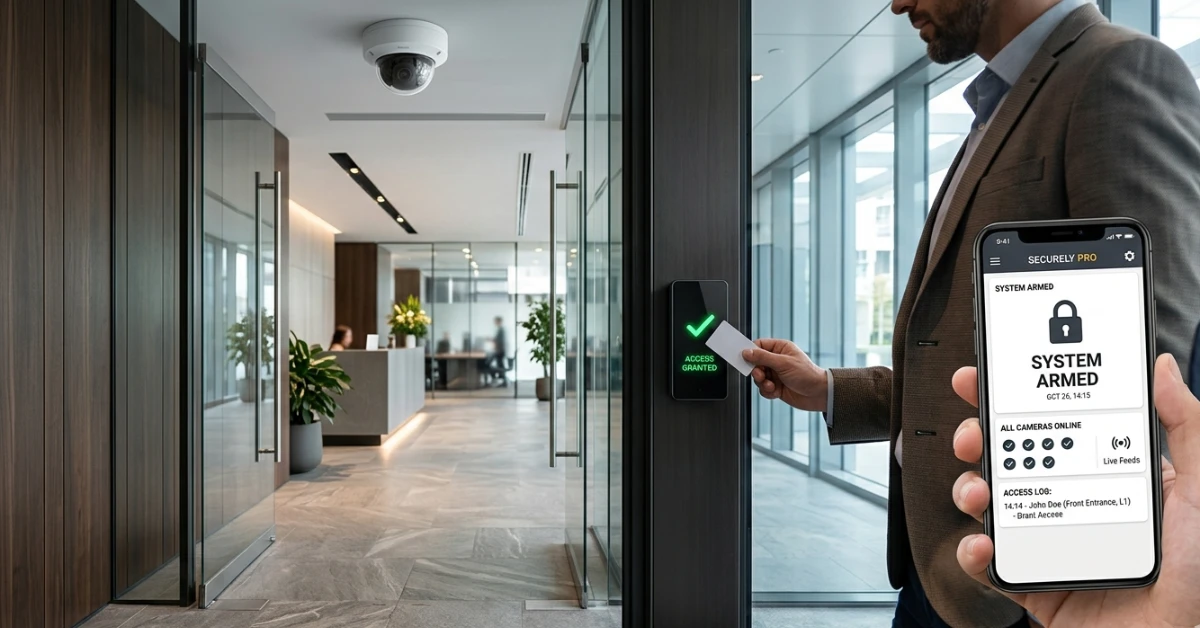
- Access control systems: Key cards, PIN pads, or biometric entry that logs who enters, when, and where, especially important for server rooms, stockrooms, or restricted areas.
- 24/7 professional alarm monitoring: Connected to a live monitoring center, not just a push notification, so response happens whether or not you’re personally available.
- Smart motion detection with defined zones: Sensors that distinguish between expected movement after hours, like a cleaning crew, and genuinely suspicious activity.
- Fire and environmental monitoring: Smoke, carbon monoxide, and flood sensors are tied into the same integrated system, not running as separate standalone devices.
- Remote access and mobile control: The ability to arm, disarm, review live footage, and receive real-time alerts from anywhere via a mobile app or dashboard.
Why Integrated Security Solutions Change Everything
Knowing what each component does is useful. But understanding why they need to work together and what happens when they don’t is where things get practical.
The Problem With Siloed Systems
A lot of businesses end up with systems that don’t communicate. A camera system on one app, an alarm panel on another, and access logs stored somewhere else entirely. This fragmentation creates real blind spots. When something happens, piecing together events across three separate platforms takes time and leaves gaps in the timeline.
Integrated security solutions bring cameras, alarms, access control, and monitoring into one unified platform so you see the full picture instantly, without hunting through disconnected tools to understand what occurred.
How Integration Improves Incident Response
When your systems are integrated, a single event triggers a coordinated response across every layer. An unauthorized access attempt at a side door can simultaneously activate a camera zoom, send you an alert, notify your monitoring center, and flag the access log all without manual input.
That kind of automated coordination is only possible when your office building security solutions operate as one connected system. It’s not just about convenience. It’s about making sure the right people know what’s happening before an incident has time to escalate.
Integration Simplifies Compliance and Audit Trails
For businesses in regulated industries, such as healthcare, finance, and food service, security isn’t only about physical protection. It’s also about documentation. Integrated security solutions automatically log access events, alarm triggers, and footage timestamps in a retrievable format.
When an inspection or incident review comes up, everything is in one place. This is a detail many owners overlook when setting up their systems, but it becomes very relevant the first time a compliance question gets raised or when an insurance claim needs supporting documentation.
Office Building Security Solutions That Fit Any Size
With integration understood, it’s worth addressing one more common assumption: that strong office building security solutions are only realistic for larger operations with serious budgets. A right-sized system for a small office doesn’t need to be complicated. A handful of cameras covering entry points and sensitive areas, card access at the main entrance, and professional alarm monitoring can deliver genuine protection without high upfront cost.
For businesses sharing space with other co-working setups, multi-tenant buildings, and suites within a larger complex, the approach gets more nuanced. Shared lobbies, individual unit access, and common-area coverage each need their own consideration.
Scalability matters from the very beginning. Building in room to grow an expandable panel, open camera ports, and a monitoring plan that supports additional access points prevents disruptive and expensive overhauls later when your business outgrows its original setup.
How to Choose the Right Commercial Security Solutions Provider
Everything covered so far only delivers real value if the company behind the installation and monitoring is the right fit. Here’s what separates a provider worth trusting from one just making a sale.
- Licensed and fully insured technicians: Verify that the team installing your system carries proper state licensing, is insured, and doesn’t rely on subcontractors who bypass quality controls.
- Local presence and knowledge: A provider with physical offices near your business responds faster to service calls and understands local ordinances around alarm permits and emergency response protocols.
- No-subcontractor policy: Companies that use their own trained employees deliver more consistent installations and more accountable long-term support. There’s a clear chain of responsibility.
- Transparent monitoring contracts: Before signing, understand exactly what’s included in your monitoring plan, how the response protocol works, and what the false alarm process looks like.
- Established hardware partnerships: Reputable providers work with proven brands and offer systems that are supported long-term, not discontinued or poorly supported a year after installation.
- Post-installation support: A security system is not a one-time setup. Ask about maintenance schedules, equipment upgrade paths, and what ongoing support looks like beyond the first call.
Conclusion
Small business security monitoring isn’t about having the most cameras or the loudest alarm. It’s about having a system where every layer works together, professional eyes are always watching, and response happens before damage piles up. The right business security system protects your employees, your assets, and the years of work you’ve put into building something worth protecting.
IHR Security offers free consultations to help you find the right security setup for your business. Reach out today.
FAQs
What is small business security monitoring?
Small business security monitoring means a professional team watches your cameras, alarms, and access points around the clock. Unlike self-monitoring, they verify threats in real time and contact emergency services so you’re protected even when you’re unavailable.
How do commercial alarm systems differ from basic residential ones?
Commercial alarm systems support more entry zones, integrate with access control and surveillance, and include audit logging and compliance features. They’re built for multi-zone facilities like offices and retail spaces, capabilities that standard residential systems simply aren’t designed to handle.
What should a small business security system include?
A solid setup includes HD cameras, motion sensors, a commercial alarm panel, access control, environmental monitoring, and 24/7 professional monitoring. Ideally, everything runs through one integrated platform rather than separate, disconnected tools that create blind spots.
Why are integrated security solutions important for small businesses?
Integrated security solutions connect your cameras, alarms, and access logs into one platform. When an incident occurs, every layer responds automatically and simultaneously, cutting response time, closing blind spots, and giving you one dashboard instead of making you juggle multiple systems.
What are the right office building security solutions for a small business?
Most small businesses need entry cameras, PIN or card access control, interior motion sensors, and professional alarm monitoring. The right configuration depends on your layout and industry. A qualified provider will assess your space and recommend a practical, scalable setup.